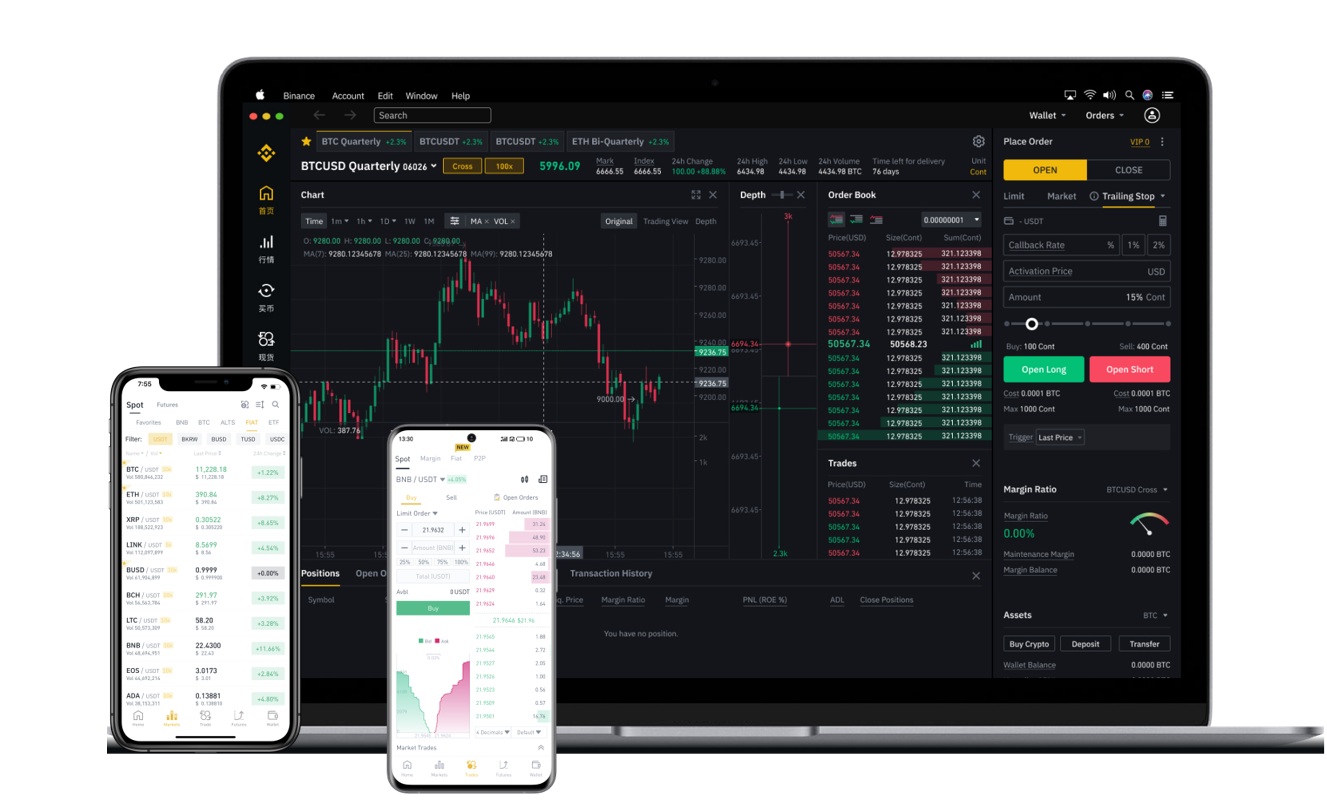

Binance, as one of the world’s leading cryptocurrency exchanges, offers a robust cross-chain exchange service that allows users to swap assets across different blockchains seamlessly. However, many users find themselves confused when it comes to the actual withdrawal process, especially when dealing with cross-chain transactions. This guide provides a clear, step-by-step breakdown of how to withdraw funds from the Binance cross-chain exchange, ensuring your assets move safely and efficiently.
Understanding Cross-Chain Withdrawals on Binance
Before initiating a withdrawal, it is crucial to understand that cross-chain transactions involve moving cryptocurrency from one blockchain to another. For example, you might want to withdraw Ethereum (ETH) from Binance to a wallet, but you must select the correct network (e.g., ERC-20, BEP-20, or ARBITRUM). Binance supports multiple networks for most assets, and choosing the wrong one can result in permanent loss of funds.
Step 1: Access Your Binance Wallet
Log in to your Binance account and navigate to the “Wallet” section. Click on “Overview” to see your spot wallet balance. Locate the specific cryptocurrency you wish to withdraw. If you have recently completed a cross-chain swap, ensure the swapped asset is reflected in your spot wallet before proceeding.
Step 2: Initiate the Withdrawal Process
Click the “Withdraw” button next to the desired cryptocurrency. A new window will appear containing the withdrawal form. You will need to provide the recipient address. For cross-chain exchanges, this address must belong to the blockchain network you intend to use. For instance, if you withdrew USDT on the BNB Smart Chain (BEP-20), your recipient address must also support the BEP-20 protocol.
Step 3: Select the Correct Network
This is the most critical step in the entire process. In the withdrawal form, Binance will display a “Network” dropdown menu. You must select the exact network that matches your destination wallet. Common options include:
- BEP-20 (BNB Smart Chain)
- ERC-20 (Ethereum)
- TRC-20 (Tron)
- Solana
- Arbitrum One
If you are withdrawing from a Binance cross-chain swap, check the original transaction details to confirm which network the swapped tokens are on. A mismatch here means your transaction will fail or funds will be lost.
Step 4: Enter the Amount and Address
Paste the recipient wallet address carefully. Double-check every character, as crypto transactions are irreversible. Enter the withdrawal amount, ensuring it meets the minimum withdrawal limit for the selected network. Binance will display the network fee (gas fee) at this stage. Cross-chain withdrawal fees vary depending on network congestion and the blockchain being used. For example, ERC-20 withdrawals typically have higher fees than BEP-20 or TRC-20.
Step 5: Verify Security and Confirm
Binance will require you to complete security verification. This may include email confirmation, SMS authentication, or your Google Authenticator code. After verification, review all details one last time—especially the network and the address. Click “Submit” to finalize the withdrawal.
Step 6: Track Your Transaction
Once submitted, you can monitor the transaction status in your Binance withdrawal history. Binance will provide a transaction ID (TXID). You can use this ID on a blockchain explorer (like Etherscan for ERC-20 or BscScan for BEP-20) to track the progress. Cross-chain transfers may take a few minutes to several hours, depending on the network’s speed and current traffic.
Common Issues and Troubleshooting
Many users encounter problems when the withdrawal status shows “pending” for a long time. This is usually due to network congestion. In rare cases, if you selected an incompatible network, Binance may automatically reject the transaction and return the funds minus the fee. If you believe a mistake was made, contact Binance support immediately, but note that they cannot recover funds sent to an incompatible or incorrect address.
Final Tips for Safe Cross-Chain Withdrawals
Always perform a small test withdrawal first when using a new network or a new wallet address. Keep your wallet software updated to ensure it supports the latest blockchain protocols. Binance also provides a “Withdrawal Address Whitelist” feature, which adds an extra layer of security by only allowing withdrawals to pre-approved addresses. Enable this if you withdraw large amounts regularly.
By following these steps carefully, you can confidently withdraw funds from the Binance cross-chain exchange without unnecessary risk. Remember: in the world of crypto, precision beats speed. Take your time, verify every detail, and your assets will move safely.