

For cryptocurrency users holding Binance Coin (BNB), understanding the withdrawal process on the Binance exchange is essential for managing assets securely. Whether you want to transfer BNB to a private wallet, send it to another exchange, or convert it to fiat currency, the procedure involves several key steps. This guide explains the entire process, from accessing your account to completing a withdrawal, while also addressing common issues and best practices.
Understanding Binance Coin (BNB) and Its Role
Binance Coin (BNB) is the native cryptocurrency of the Binance ecosystem. Originally launched as an ERC-20 token on the Ethereum network, BNB now operates primarily on the Binance Chain (BEP-2) and Binance Smart Chain (BEP-20). This distinction is crucial when initiating a withdrawal, as selecting the wrong network can result in permanent loss of funds. Before withdrawing, always confirm which blockchain your destination wallet supports: BEP-2 (Binance Chain), BEP-20 (Binance Smart Chain), or ERC-20 (Ethereum).
Step 1: Log In and Navigate to the Withdrawal Section
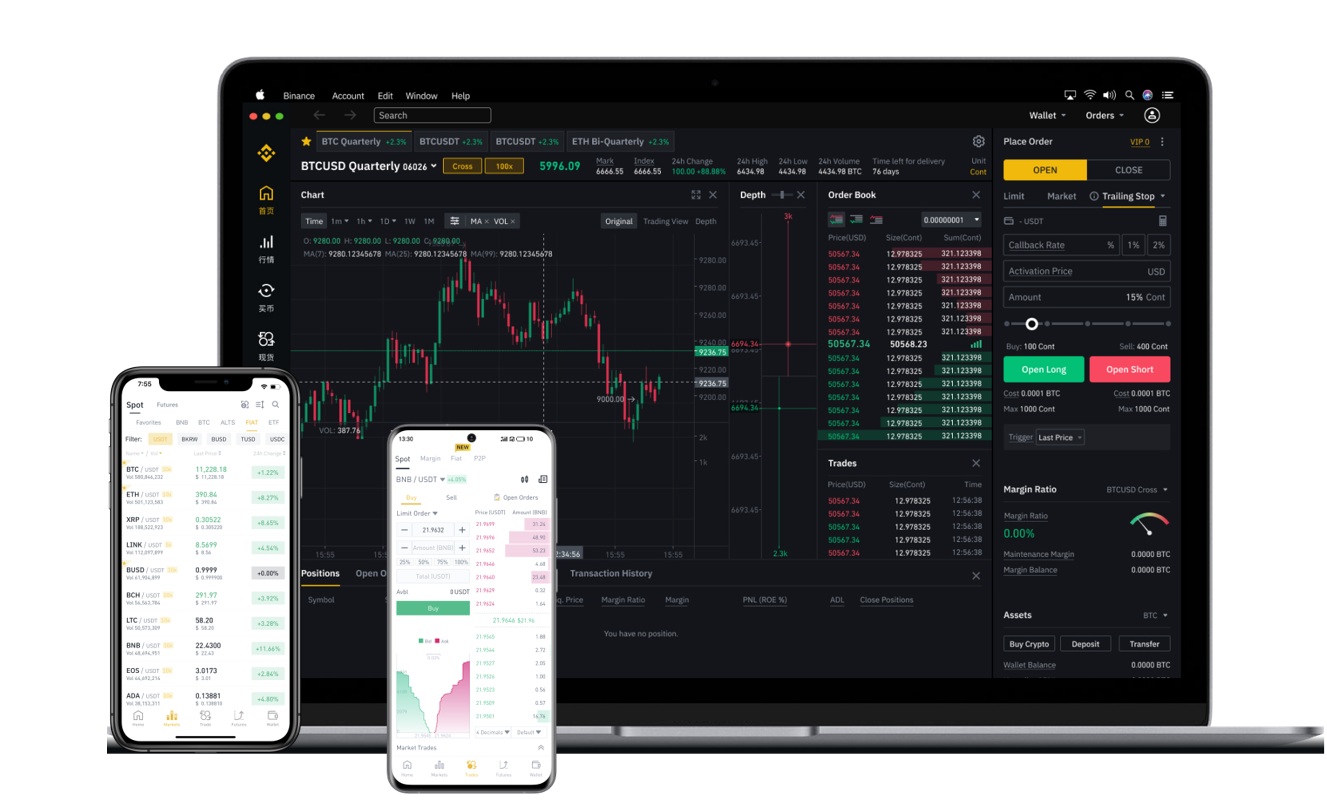
To start, log in to your Binance account and complete any required two-factor authentication (2FA) for security. Once inside, click on “Wallet” in the top menu and select “Fiat and Spot” to view your balances. Locate BNB in your asset list, then click the “Withdraw” button next to it. This opens the withdrawal interface where you will enter the recipient details.
Step 2: Enter the Withdrawal Address
You must provide a valid receiving address for the BNB withdrawal. This address can come from an external wallet (e.g., MetaMask, Trust Wallet, Ledger) or another exchange account. Double-check the address for accuracy – even one incorrect character can cause permanent loss of funds. Binance also allows you to save frequently used addresses to a whitelist, which reduces the risk of typos but requires 24-hour activation for new entries.
Step 3: Select the Network
This step is the most critical. After entering the address, Binance will display a network selection dropdown. Choose the network that matches your destination wallet. For example, if your wallet supports Binance Smart Chain, select BEP-20. If it supports Ethereum, choose ERC-20. Using the wrong network can make the transaction irreversible. The system also shows the network fee (gas) associated with each option – BEP-2 and BEP-20 fees are typically lower than ERC-20 fees.
Step 4: Enter the Amount and Confirm
Specify the amount of BNB you wish to withdraw. Binance imposes minimum withdrawal limits (e.g., 0.01 BNB for BEP-20) and maximum limits based on your account verification level. After entering the amount, the system will display the total deduction including the fee. Review all details: address, network, and amount. Then click “Submit” and authenticate the transaction via your 2FA method (e.g., Google Authenticator or SMS).
Step 5: Monitor the Transaction
Once submitted, Binance processes the withdrawal. For BNB on Binance Smart Chain, transactions usually complete within minutes. Ethereum-based BNB withdrawals can take longer depending on network congestion. You can check the status in your withdrawal history. Binance also provides a transaction ID (TxID) that you can use to track the transfer on a blockchain explorer like BscScan (for BEP-20) or Etherscan (for ERC-20).
Alternative Method: Withdrawing BNB to Fiat Currency
If your goal is to convert BNB to cash, you can first sell BNB for a stablecoin or fiat currency on the Binance spot market. Then, withdraw the fiat balance via bank transfer, PayPal, or other supported payment channels. Binance supports multiple fiat currencies (USD, EUR, GBP, etc.) and different withdrawal methods depending on your region and KYC level. Note that fiat withdrawals may involve longer processing times (1-5 business days) and associated bank fees.
Common Issues and How to Avoid Them
- Wrong network selection: Always verify the destination wallet type. Using BEP-20 for an ERC-20 address will lose funds.
- Address whitelist delays: If you enable address whitelisting, new addresses must be approved for 24 hours before withdrawal.
- Insufficient balance for fees: Ensure you have enough BNB to cover the network fee, which is deducted from the withdrawal amount.
- Suspended withdrawals: Periodic security checks or account maintenance may temporarily disable withdrawals. Check Binance’s status page or customer support.
Best Practices for Secure Withdrawals
Always use a small test transaction before sending large amounts. Enable 2FA and consider using the “Withdraw Address Whitelist” feature. Keep your API keys private; never share withdrawal permissions with third-party applications. Additionally, store your private wallet backup phrases offline to prevent unauthorized access.
By following these steps and precautions, you can safely withdraw Binance Coin from the Binance exchange to your preferred wallet or convert it to fiat currency. As cryptocurrency regulations evolve, always review Binance’s latest withdrawal policies and supported networks to ensure compatibility with your transaction needs.