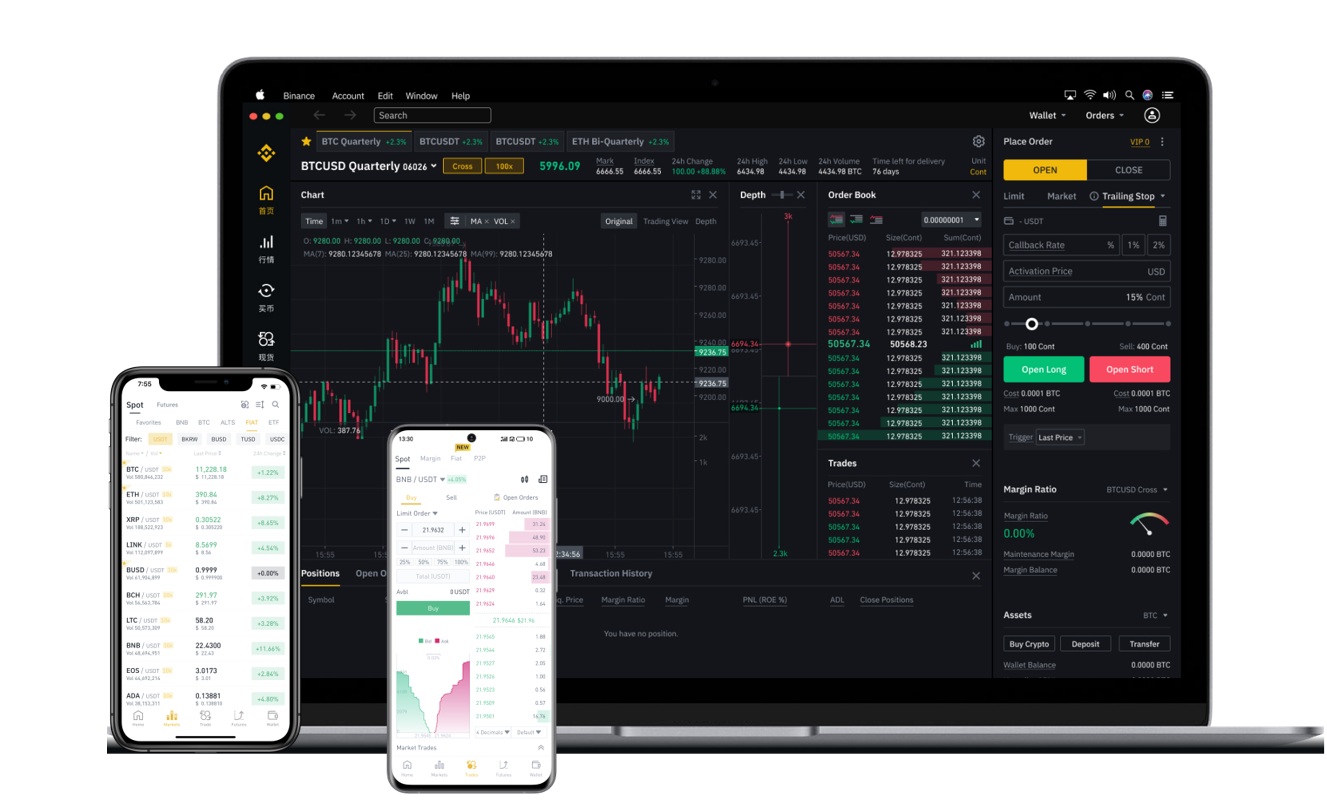

Binance is one of the world’s largest and most popular cryptocurrency exchanges. If you hold digital assets on Binance, you may eventually want to convert them into traditional currency (like USD, EUR, or GBP) and withdraw the money to your bank account. This process is often referred to as “cashing out” or “withdrawing funds.” This guide explains the key steps, important considerations, and common pitfalls to avoid when withdrawing from Binance.
1. Understand the Two Main Steps: Sell and Withdraw
Withdrawing from Binance is not a single action; it involves two distinct phases. First, you must sell your cryptocurrency (e.g., Bitcoin, Ethereum, or USDT) for fiat currency (government-issued money). Second, you withdraw that fiat currency from your Binance account to your external bank account or payment method. You cannot directly withdraw crypto as cash from an ATM—Binance is an exchange, not a bank.
2. Selling Your Crypto on Binance
To sell your crypto, navigate to the “Trade” section and use the “Convert” or “Classic” interface. Select the crypto you want to sell (for example, BTC) and choose the fiat currency you wish to receive (such as USD or EUR). Confirm the rate and execute the trade. After the trade, the fiat balance will appear in your “Fiat and Spot” wallet. This step is critical because you cannot withdraw crypto directly to a bank account; you must first convert it into money.
3. Choosing a Withdrawal Method
Binance offers several withdrawal methods depending on your region. The most common options include:
- Bank transfer (SEPA for Europe, ACH for the US, or local wire transfers)
- Visa or Mastercard card withdrawal (if available in your country)
- Third-party payment services (such as Advcash, Payeer, or Pix in Brazil)
Each method has different fees, processing times, and limits. For example, SEPA transfers typically take 1–3 business days and may have a fixed fee, while card withdrawals can be faster but incur higher fees. Always check the “Withdrawal” page for the most current options available in your location.
4. Completing the Fiat Withdrawal
Once you have fiat currency in your Binance account, go to the “Wallet” section and select “Withdraw.” Choose “Fiat” and then select your preferred withdrawal method. You will need to provide your bank account details, including the account number, bank name, and sometimes a SWIFT or routing number. Double-check all information, as errors can cause delays or lost funds. Enter the amount, review the fees, and confirm. Binance may require two-factor authentication (2FA) to approve the transaction.
5. Important Considerations and Limits
Before withdrawing, be aware of the following:
- Identity verification (KYC): You must complete Binance’s identity verification process before you can withdraw fiat currency. This usually involves uploading a government-issued ID and a selfie.
- Withdrawal limits: Depending on your verification level, there may be daily or monthly limits on how much fiat you can withdraw. Higher verification levels allow larger amounts.
- Fees: Withdrawal fees vary by method and region. Always review the fee schedule on the withdrawal page before confirming.
- Tax implications: Selling crypto may trigger a taxable event in your country. Keep records of all transactions for tax reporting purposes.
6. Common Problems and How to Avoid Them
Many users face issues when withdrawing for the first time. Common problems include:
- Bank rejection: Some banks block transfers from crypto exchanges. Contact your bank in advance to confirm they accept funds from Binance.
- Mismatched names: Your Binance account name must exactly match the name on your bank account. If they differ, the withdrawal may be rejected.
- Incorrect details: A single wrong digit in an account number can send your money to the wrong person. Always verify before confirming.
If you encounter a problem, contact Binance support through their official help center. Never share your password or 2FA codes with anyone.
7. Security Best Practices
To keep your funds safe, enable two-factor authentication (2FA) using an app like Google Authenticator or Authy. Avoid using SMS-based 2FA if possible, as it is less secure. Withdraw only to accounts you control, and never respond to unsolicited messages asking for your withdrawal details. If you use a shared or public computer, log out completely after your session.
Conclusion
Withdrawing from Binance is straightforward once you understand the process: sell your crypto to fiat, then withdraw the fiat to your bank. Always check the fees, limits, and supported methods for your region. By following the steps carefully and respecting security practices, you can successfully cash out your digital assets into real-world money. Remember that blockchain transactions are irreversible, so take your time, verify every detail, and keep records for your peace of mind.