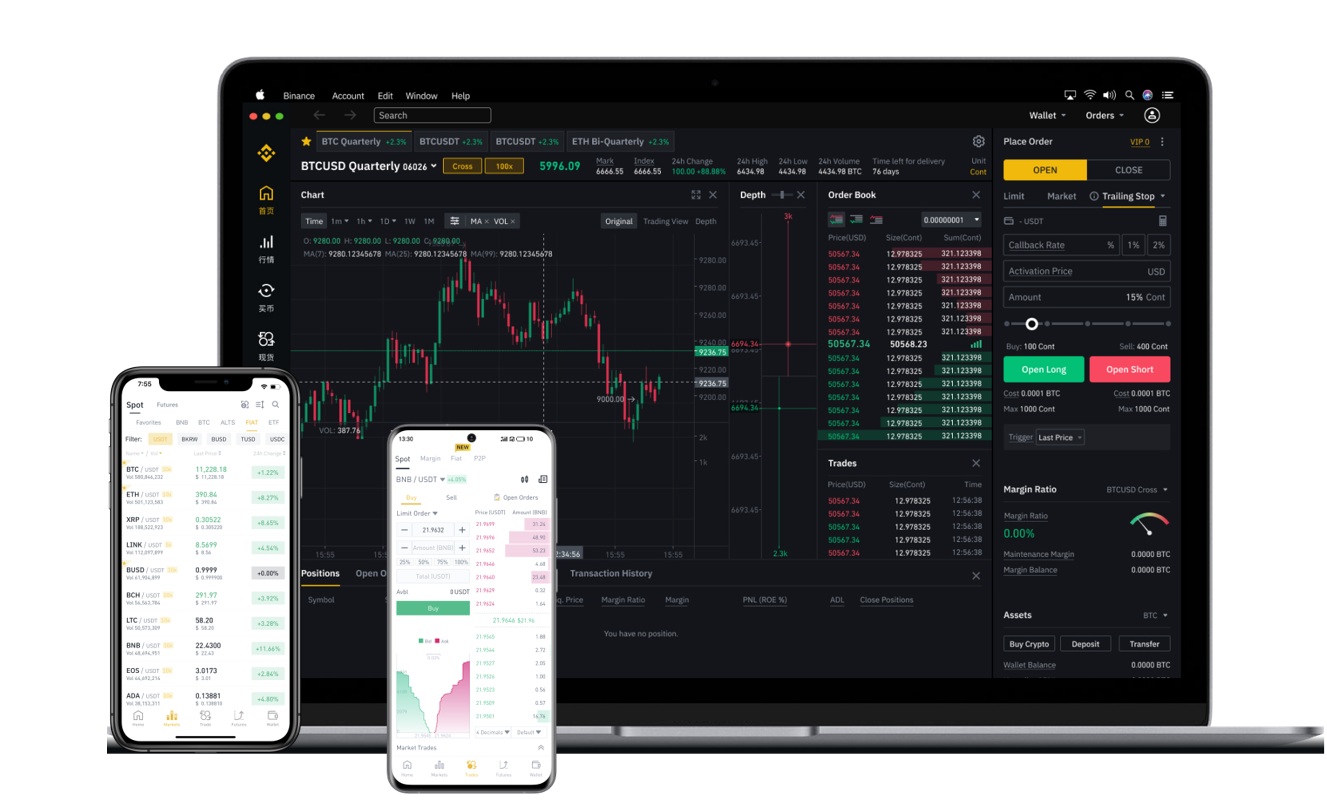
Binance Chain decentralized exchanges, commonly referred to as DEXs, have become a cornerstone of the crypto ecosystem. Unlike centralized platforms like Binance.com, a DEX allows you to trade cryptocurrencies directly from your wallet without handing over control of your funds to a third party. If you are new to this space and wondering how to use a Binance Chain DEX, this guide will walk you through the essential steps.
First, you need to understand which blockchain you are interacting with. The term "Binance Chain" often refers to the native BNB Beacon Chain, but most trading activity now happens on the BNB Smart Chain (BSC). Popular DEXs on this network include PancakeSwap, BakerySwap, and Biswap. To get started, you must have a compatible Web3 wallet. The most common choice is MetaMask, but you can also use Trust Wallet or Binance’s own Chrome extension wallet. Ensure your wallet is configured to the BNB Smart Chain network. By default, MetaMask uses Ethereum, so you will need to add the BSC network manually using the correct RPC URL, chain ID (56), and block explorer URL.
Once your wallet is set up and funded with BNB (for gas fees), visit the official website of the DEX you want to use. PancakeSwap is the most beginner-friendly option. Click the "Connect Wallet" button in the top right corner and select your wallet provider. Approve the connection request on your wallet extension. After connecting, you will see your wallet address displayed on the exchange.
To perform a swap, navigate to the "Trade" or "Swap" section. Choose the token you want to sell from the top field and the token you want to buy on the bottom. Enter the amount you wish to swap. The DEX will automatically calculate the estimated output based on the current liquidity pool and slippage tolerance. You can adjust the slippage if the trade fails due to high volatility, but 0.5% to 1% is usually safe. Click "Swap," review the details in your wallet pop-up, and confirm the transaction. Within a few seconds to a minute, the transaction will be processed on the blockchain.
It is important to note that DEXs rely on liquidity pools rather than order books. This means your trade is executed against a pool of tokens provided by other users. You will sometimes see "LP" tokens – these are liquidity provider tokens, which you receive if you deposit two tokens into a pool to earn trading fees. However, for simple swapping, you do not need to worry about this.
Security is a critical factor when using a DEX. Always double-check the token contract address you are trading. Scam tokens with similar names to established projects are common. Use tools like CoinGecko or BscScan to verify the official address. Never share your private keys or seed phrase, and avoid clicking on random links sent via social media claiming to be the DEX site.
In summary, using a Binance Chain DEX involves setting up a BSC-compatible wallet, funding it with BNB, connecting to a platform like PancakeSwap, and executing your swap. The process is straightforward but requires careful attention to network settings and security practices. Once you get familiar with the interface, you can also explore advanced features like yield farming, staking, or limit orders if the DEX supports them. Remember to start with small test transactions to build confidence before trading larger amounts.